 iScan Photo
Find every photo of everyone you love.
iScanPhotoApp gathers your family’s photos, from your computer, your phone and the shoebox in the closet. It recognizes the faces, asks who they are, and then finds anyone in seconds. All on your own PC.
- No account
- No credit card
- Works offline



- Stays on your computer Works offline. Your photos, names and faces are never uploaded anywhere.
- Originals never changed It only reads your files. Fixes and restorations are saved as new copies.
- No account, no subscription Nothing to sign up for. Buy it once, from $79, and keep it.
Three steps from shoebox to “there’s Grandma”
-
1
Bring your photos in
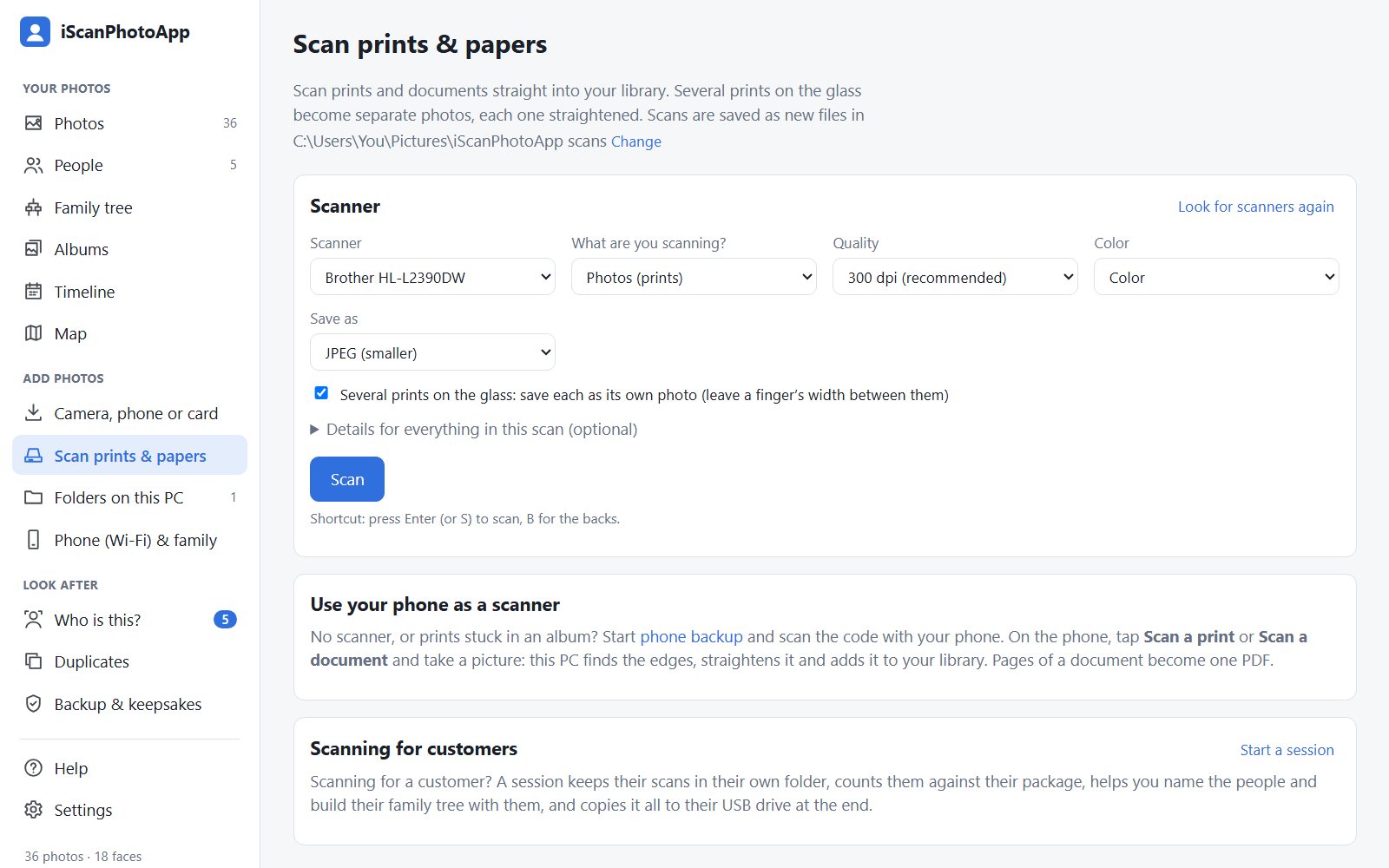
Point it at the folders you already have, plug in your phone, or scan old prints with your scanner. Several prints on the glass become separate, straightened photos.
-
2
Tell it who’s who
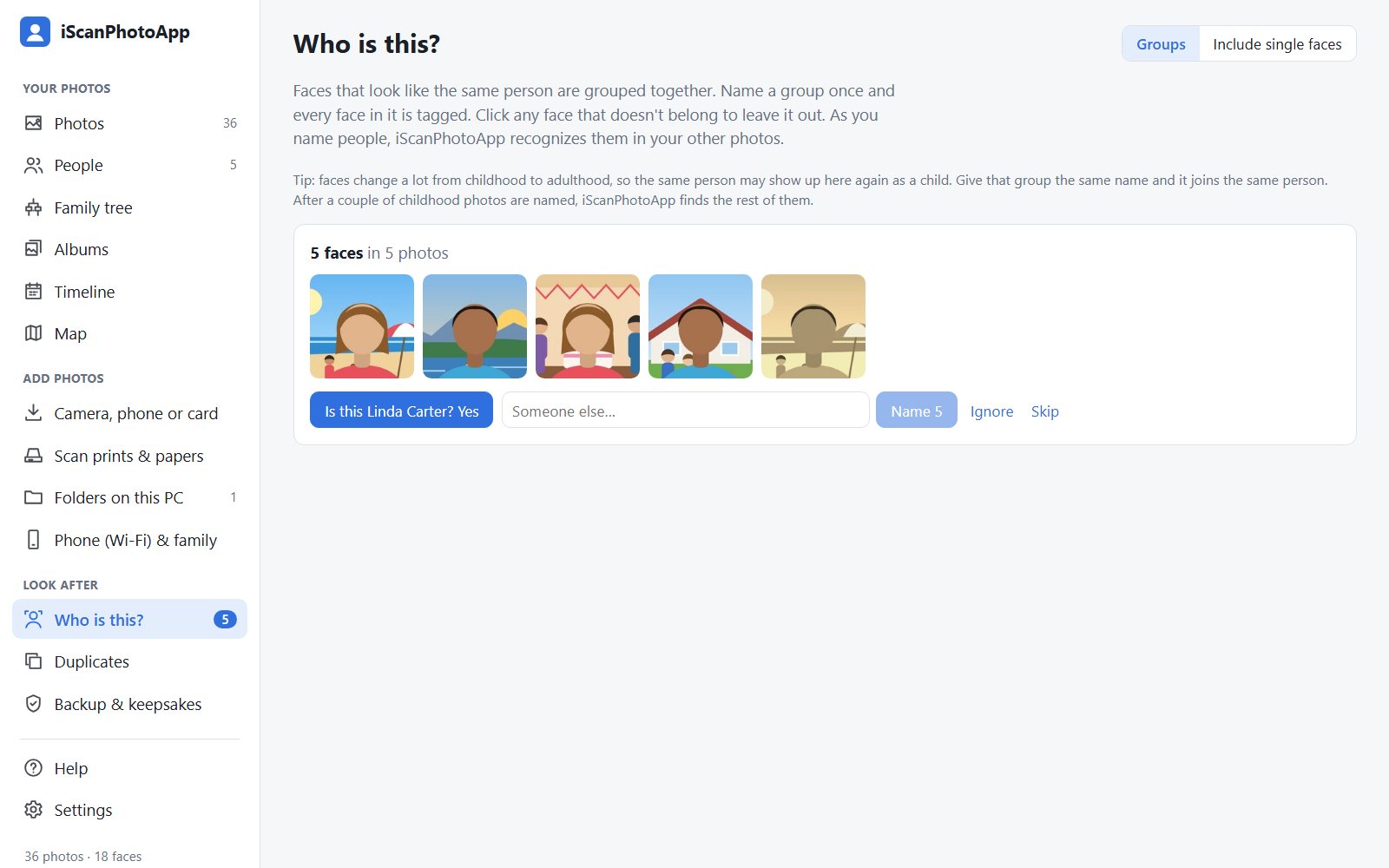
It groups faces that look alike and asks, “Who is this?” Name someone once and it finds them across the rest of your photos. You always have the final say.
-
3
Find, fix and share
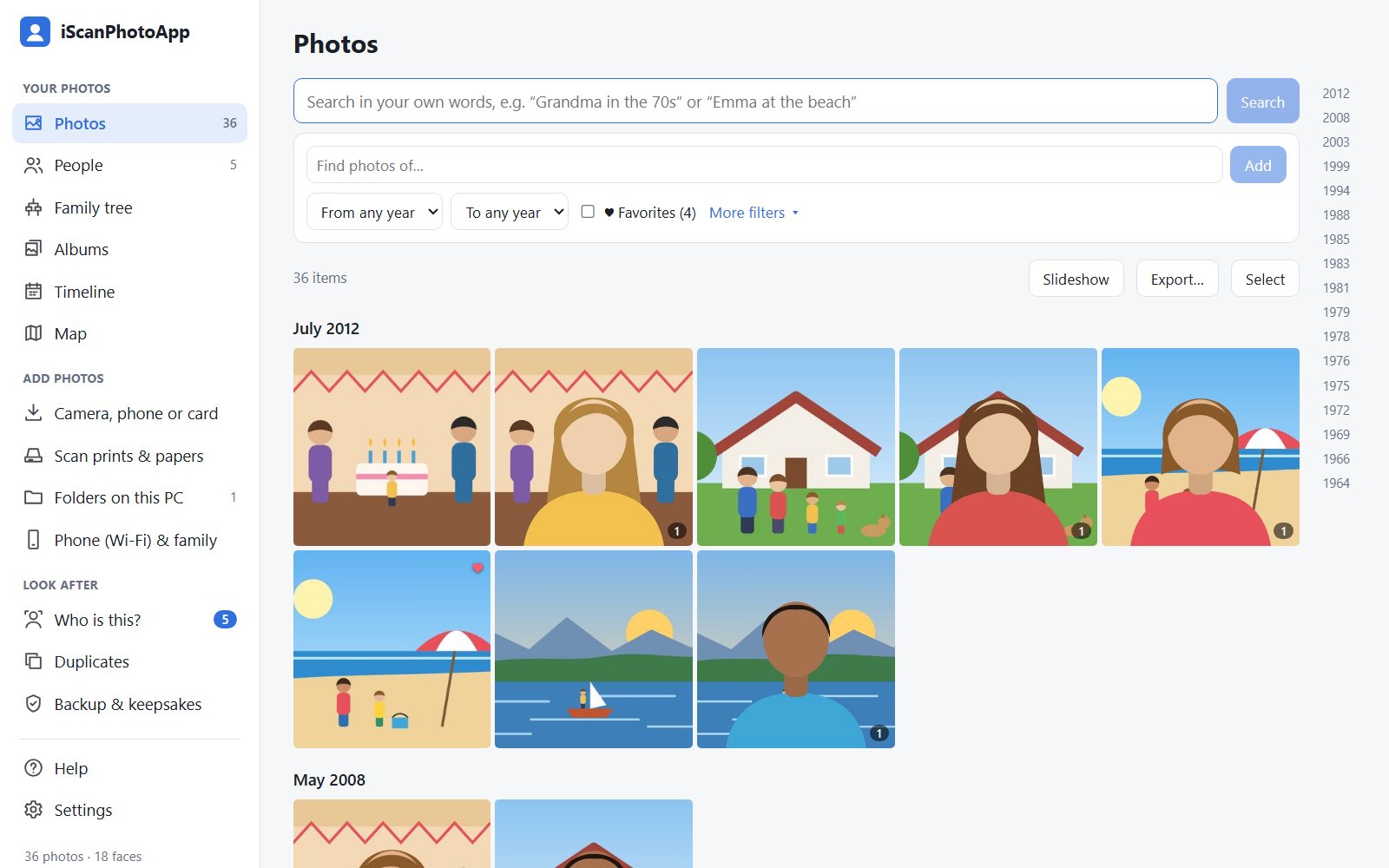
Search in your own words, like “Mom at the lake in the 70s”. Make albums, restore faded prints, and give the family a copy they can open anywhere.


Bring faded photos back
Remove dust and scratches, bring back faded colors, add color to black-and-white, and sharpen small prints. Each fix is saved as a new copy, so the original stays exactly as it was.
More about restoring

A family tree with faces
See everyone with their photo, find pictures of Grandma’s side of the family, and record the story behind a picture in their own voice. Already have a tree from Ancestry or FamilySearch? Bring it in.
More about the family tree
Backups and keepsakes
Back everything up to a USB drive in one click, names and all. Make a keepsake copy the whole family can open in any web browser, no app needed.
More about backups
We scan your photos at your kitchen table
Local in Kentucky and Indiana. A technician brings professional scanners to your home, so your prints never leave your sight. Albums, slides, negatives, documents and video tapes too.
- Home visits from $300 for 2 hours (about 800 photos)
- Everything on a USB drive before we leave
- Faces named with you during the visit
Scanned, organized, and ready to search
Book a home scanning session and get more than a folder of files. Your photos arrive in iScanPhotoApp with your family’s faces already named, together during the visit. Open it that evening and search for anyone.
What families say
[A real customer quote about their session or the app]
[A real customer quote]
[A real customer quote]
Try it free for 30 days
Every feature, no account and no credit card. After the trial your library stays yours to look through. A license, $79 for one PC or $129 for three, keeps it growing.